
Identify and use Access
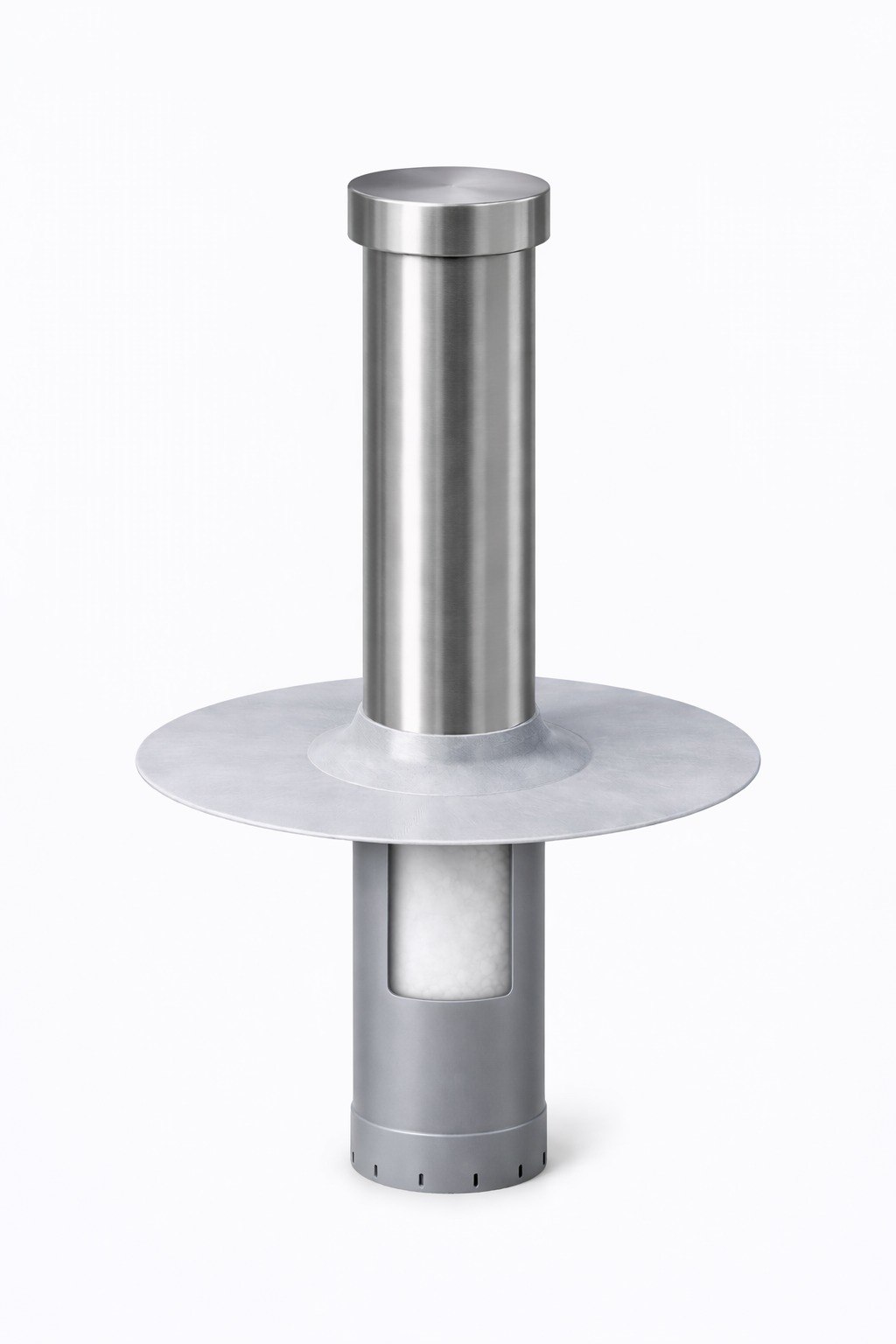
Access is a physical inspection point in the roof build-up. It can be used without a sensor.
Jump to section
Scan the correct QR code
- Follow the site’s roof-access and fall-protection rules.
- Release the twist-lock and remove the stainless-steel lid. It is not hinged.
- Find the shaft-specific QR on the grey foam on the UNDERSIDE of the removed lid. Ignore the exterior promotional QR.
- Scan it in FieldPass and verify the site and point before adding evidence. Refit and secure the lid after the visit.
If the label is unreadable
Stop linking records to that point. Send support the object, location and visible label details to confirm identification or replacement. Do not invent a new QR or copy another point’s label.
Prepare installation or a third-party access point
- Provide the roof build-up, membrane type, intended location and inspection purpose to the project team.
- Obtain the approved project-specific installation detail before cutting or modifying the roof.
- For an existing third-party inspection point, request a compatibility review with its model, dimensions and intended use. Compatibility is not universal.