
KNOT Gateway offline / no sensor data
Choose the problem. Complete each check and mark the result.
Safe checks only — stop for hazards
Stop if electrical equipment, roof access or structural damage makes inspection unsafe. Follow the site safety rules.
Check 1 / 5
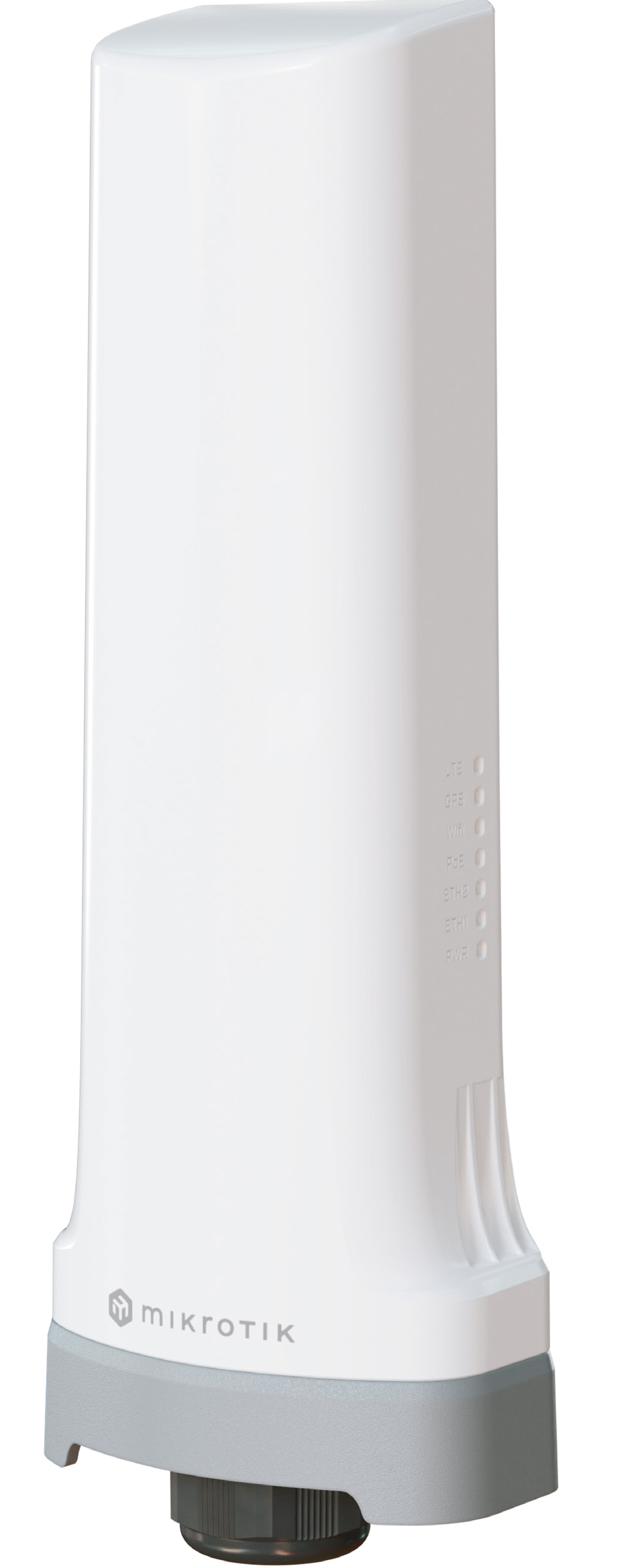
Confirm KNOT GW, L14G-2ax-BT5, site and last online time. KNOT is deployed on current Humidynit sites.
Check 2 / 5
Observe safely visible power and external cable condition. Do not open equipment, substitute supplies or touch unsafe wiring.
Check 3 / 5
Check the agreed Ethernet or cellular path where applicable. Note outages or recent network changes; do not change RouterOS or credentials.
Check 4 / 5
Check the last received data in the site record. Is one sensor affected or are all sensors affected?
Check 5 / 5
Record antenna/installation context, visible obstructions and recent work from a safe position. Escalate persistent loss with times and affected devices.
Checks complete
Problem resolved? Return to the relevant article. If not, send the reviewed context to support.